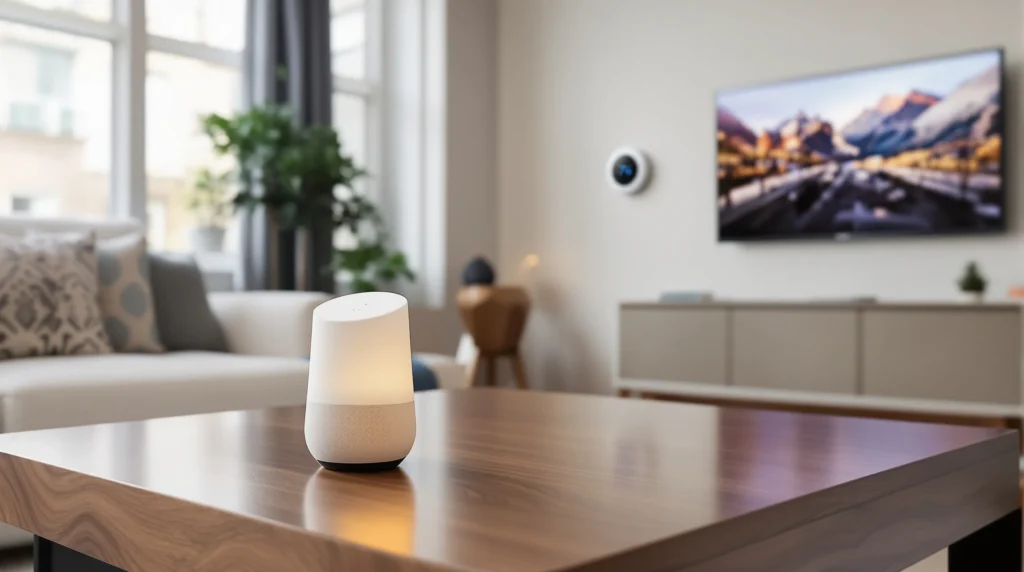
Picture this: You’re running late for work, coffee in one hand, bag in the other. You shout, “Hey Google, turn off the lights!”—and every lamp in your apartment clicks off. No scrambling for switches, no second-guessing if you left the kitchen light on. That’s the magic of Google Home compatible devices. If you’ve ever wished your home could just listen and respond, you’re in the right place.
What Are Google Home Compatible Devices?
Google Home compatible devices are smart gadgets that work with Google Assistant. You control them with your voice, your phone, or even routines you set up. These devices range from smart bulbs and plugs to thermostats, cameras, TVs, and speakers. The goal? Make your life easier, safer, and—let’s be honest—a little cooler.
Why Choose Google Home Compatible Devices?
Here’s why: They save time, reduce stress, and add a touch of fun to daily routines. Imagine walking into your house and saying, “Hey Google, I’m home.” Instantly, your favorite playlist starts, the thermostat adjusts, and the hallway lights glow just right. It’s not just about convenience—it’s about creating moments that feel like magic.
Types of Google Home Compatible Devices
Let’s break it down. Not all smart devices are created equal. Here are the main categories you’ll find:
- Smart Lights: Brands like Philips Hue and LIFX let you control brightness and color with your voice.
- Smart Plugs: TP-Link Kasa and Wemo plugs turn regular appliances into smart ones.
- Thermostats: Nest and Ecobee adjust your home’s temperature automatically or on command.
- Security Cameras: Google Nest Cam and Arlo cameras let you check in from anywhere.
- Smart Speakers and Displays: Google Nest Hub and Nest Audio bring voice control and visuals to your home.
- TVs and Streaming Devices: Chromecast and select smart TVs let you play shows with a simple command.
How to Set Up Google Home Compatible Devices
If you’ve ever struggled with tech, you’re not alone. The first time I tried to connect a smart bulb, I spent twenty minutes talking to the wrong Wi-Fi network. Here’s the part nobody tells you: patience is your best friend. But once you get the hang of it, setup is a breeze.
- Plug in your device and power it on.
- Open the Google Home app on your phone.
- Tap the “+” icon to add a new device.
- Follow the prompts—usually, you’ll scan a QR code or select your device from a list.
- Assign the device to a room for easy control.
Pro tip: Name your devices something you’ll remember. “Living Room Lamp” beats “Device 1” every time.
Best Google Home Compatible Devices in 2025
Let’s get specific. Here are some top picks that work seamlessly with Google Home:
- Philips Hue White and Color Ambiance Bulbs: Set the mood for movie night or wake up gently with sunrise colors.
- TP-Link Kasa Smart Plug: Turn on your coffee maker from bed. Yes, really.
- Google Nest Thermostat: Save energy and stay comfortable without lifting a finger.
- Arlo Pro 4 Security Camera: Get instant alerts and check your front door from anywhere.
- Google Nest Hub (2nd Gen): Control your home, watch YouTube, and see your calendar—all in one spot.
- Chromecast with Google TV: Stream Netflix, Disney+, and more with your voice.
Each of these devices brings something unique. If you’re a music lover, start with a Nest Audio speaker. If you want peace of mind, a smart camera is a solid first step.
Who Should Use Google Home Compatible Devices?
If you love gadgets, hate clutter, or just want to make life easier, these devices are for you. They’re also great for people with mobility challenges, busy parents, or anyone who wants to save time. But if you’re not comfortable with technology or you’re worried about privacy, you might want to start small—maybe a single smart plug or bulb.
Common Mistakes and How to Avoid Them
Here’s a confession: I once set up a smart plug and forgot to connect it to the right Wi-Fi. It took me an hour to realize my mistake. If you’ve ever felt that frustration, you’re not alone. Here’s how to avoid the most common pitfalls:
- Check device compatibility before you buy. Not every smart gadget works with Google Home.
- Keep your Wi-Fi strong and stable. Smart devices need a solid connection.
- Update your Google Home app and device firmware regularly.
- Use clear, simple names for devices. “Bedroom Lamp” is easier to remember than “Lamp 2.”
Remember, every mistake is a lesson. The more you experiment, the smoother your smart home will run.
Privacy and Security Tips
Let’s talk about the elephant in the room: privacy. Google Home compatible devices listen for your commands, but you control what they hear and store. Here’s how to stay safe:
- Review your Google account privacy settings regularly.
- Mute your smart speakers when you want extra privacy.
- Set up two-factor authentication for your Google account.
- Delete voice recordings you don’t want stored.
It’s your home—take charge of your data.
Building Your Smart Home: Next Steps
Ready to get started? Pick one or two Google Home compatible devices that fit your lifestyle. Start small, learn the ropes, and build from there. The best smart homes grow over time, one device at a time. If you hit a snag, remember: every tech hiccup is just a story you’ll laugh about later.
Here’s the truth nobody tells you: The perfect smart home doesn’t exist. But with the right Google Home compatible devices, you can create a space that feels just right for you—one command at a time.